Check Your Internet Speed
The most common cause of buffering is insufficient bandwidth. Run a speed test to verify your connection:
If speeds are low, contact your ISP or consider upgrading your plan.
Optimize Your Network
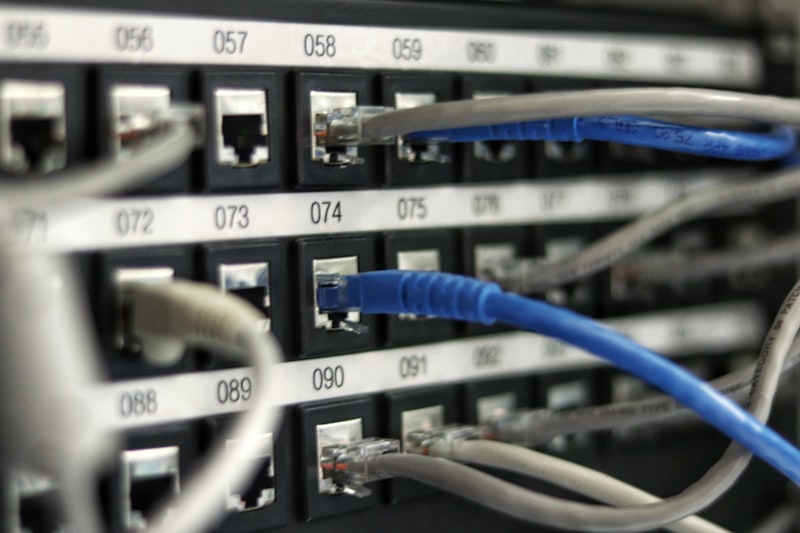
Use Ethernet When Possible: Wired connections are more stable than WiFi. If your device supports it, connect directly to your router.
Improve WiFi Signal: If wireless is your only option, ensure your device has strong signal. Consider a WiFi extender or mesh network for larger homes.
Reduce Network Congestion: Other devices using bandwidth can affect streaming. Pause large downloads or limit other streaming during viewing.
Device Optimization
Clear App Cache: Accumulated cache can slow performance. Clear your IPTV app's cache regularly.
Restart Your Device: A simple restart often resolves temporary issues.
Update Your App: Ensure you're running the latest version of your IPTV player.
IPTV App Settings
Adjust Buffer Size: Some apps allow buffer adjustments. Increasing buffer size can help on slower connections.
Use External Player: Apps like MX Player or VLC sometimes handle streams better than built-in players.
Switch Servers: If your provider offers multiple servers, try different options.
When to Contact Support
If you've tried everything and still experience issues, contact your IPTV provider. They can check server status, verify your account, and provide specific guidance for your situation.