
Perfect Player Setup Guide
Perfect Player is a set-top box style IPTV player for Android with EPG support and a clean interface.
Supported Devices: Android Android TV
Step-by-Step Instructions
1
Install Perfect Player
Download Perfect Player from the Google Play Store.
2
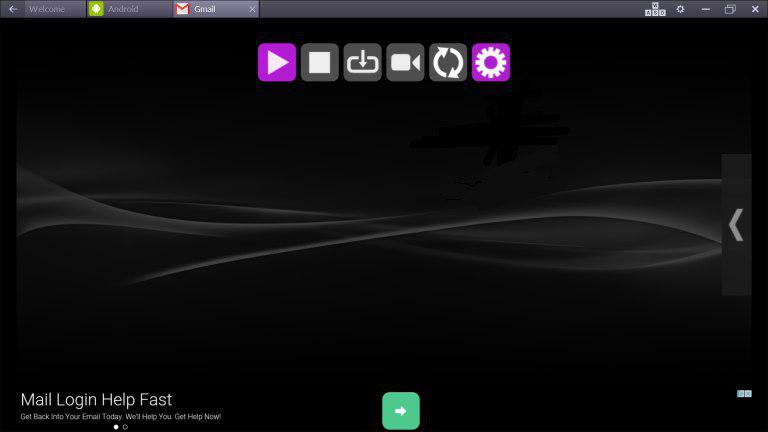
Open Settings
Launch the app and press the menu button to access Settings.
3
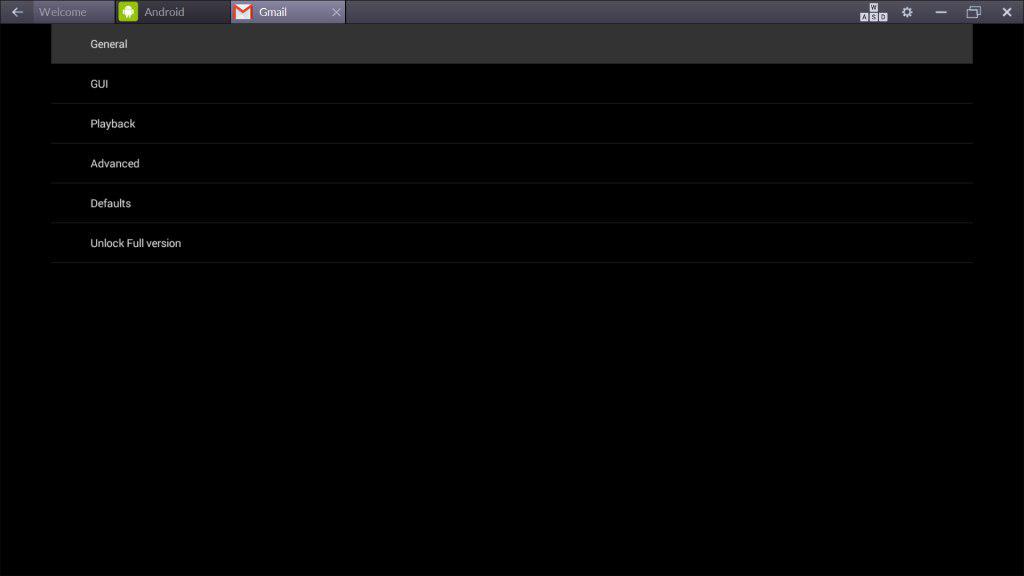
Go to General
Select General from the settings menu.
4
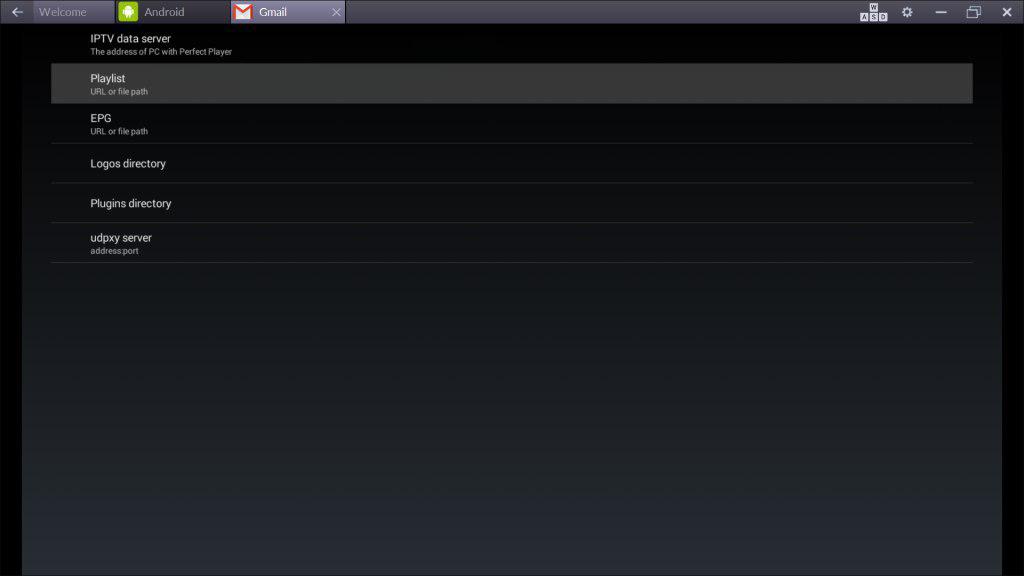
Add Playlist
Go to Playlist. Enter your M3U URL and click OK.
5
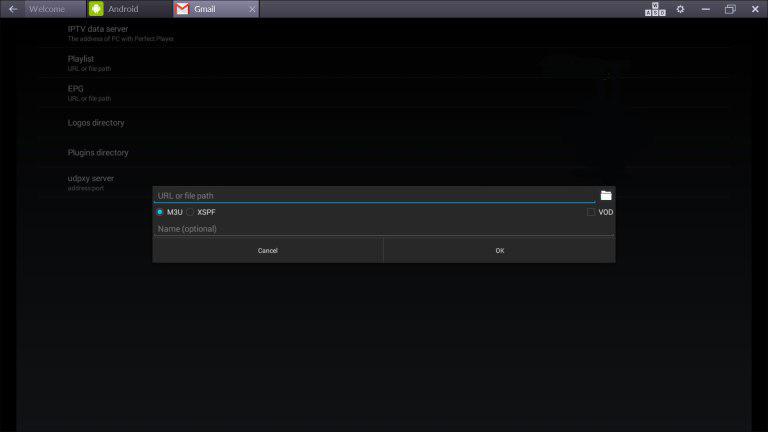
Enter M3U URL
Paste your M3U playlist URL from the welcome email.
6
Start Watching
Exit settings and the channels will load automatically.
Setup Complete!
Your Perfect Player is now configured with Fox IPTV. Enjoy watching your favorite channels and content!
Need Help?
Our support team is available 24/7 to help you with the setup.




Don't Have a Subscription Yet?
Get started with a 24-hour free trial and experience premium IPTV on your Perfect Player.